Empire State Account Registration & Log in
- New user can register for free account via
- https://www.webdesign.com.my/empirestate/register/
OR - click on “Get Registered” located at the top right corner of the page
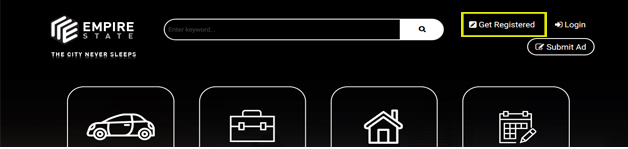
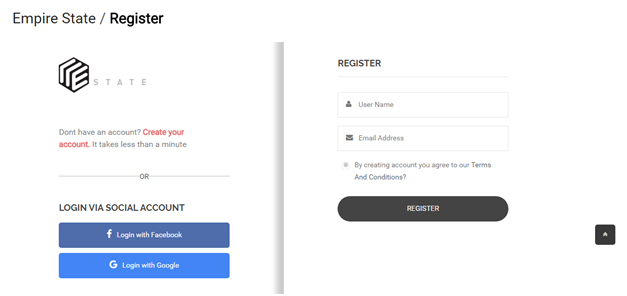
- https://www.webdesign.com.my/empirestate/register/
- Account registration can be done using social account (Facebook and Google+) or email address.
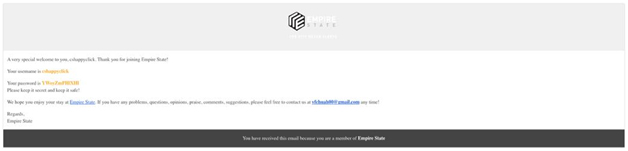
- Upon successful registration, user will receive an email notification with the account name and password enclosed.
- User can login via
- https://www.webdesign.com.my/empirestate/login/
OR - click on “Login” located at the top right corner of the page
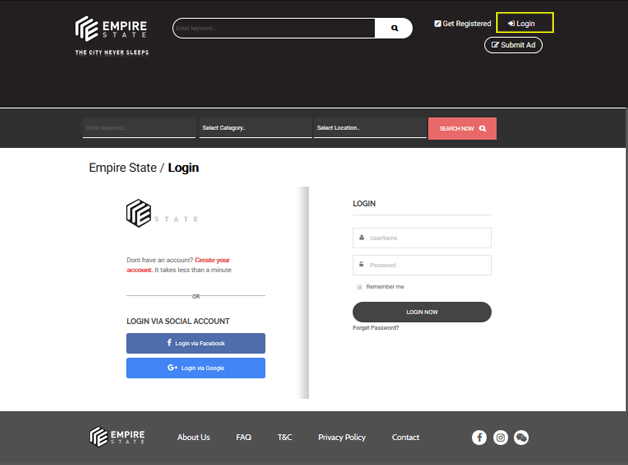
- https://www.webdesign.com.my/empirestate/login/
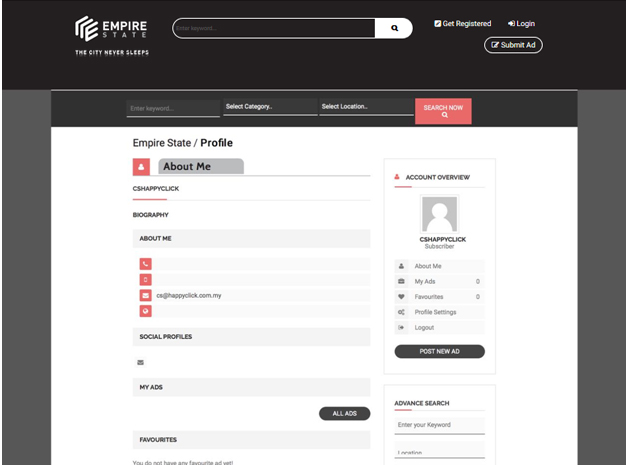
- Upon successful login, user will be directed to his/her Empire State account Profile page.
New Ads Posting
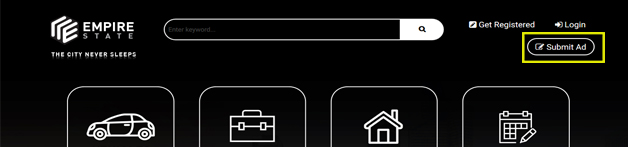
- Click on “Submit Ad” located at the top right corner of the page, to create new ads within Empire State.
- Fill up the following fields to complete your Ad:
- Ad Title
- Content
- Price Setting
- Category Type
- Address by Country, State, City
- Image and Video
- Ads Type
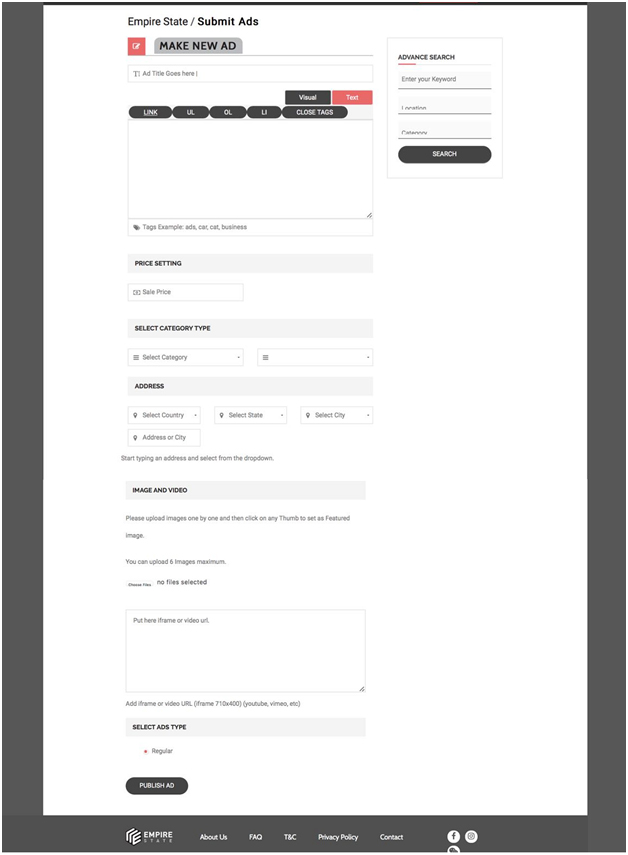
- Maximum of 6 images is allowed for each ad.
- Video upload is limited to iframe size of 710 x 400.
- Once the Ads contents are finalized and ready to be published within Empire State, click on ‘PUBLISH AD’.